Voice Marking Tools
This is a collection of custom tools for Paratext. These tools all relate to either marking the words of Jesus for red-letter publications, or marking the boundaries of character voices as assigned in Glyssen.
The following tools comprise the voice-marking custom tools for Paratext:
- Mark quote milestones (from Glyssen)
- <ul>Updates the scripture text with the milestones indicated by a glyssenscript file that the user provides.
- The user may select to have only the Jesus quote milestones in the text, or the milestones for all characters.
- The user may select either representation of milestones.
- This simply converts one of the representations of quote milestones to the other.
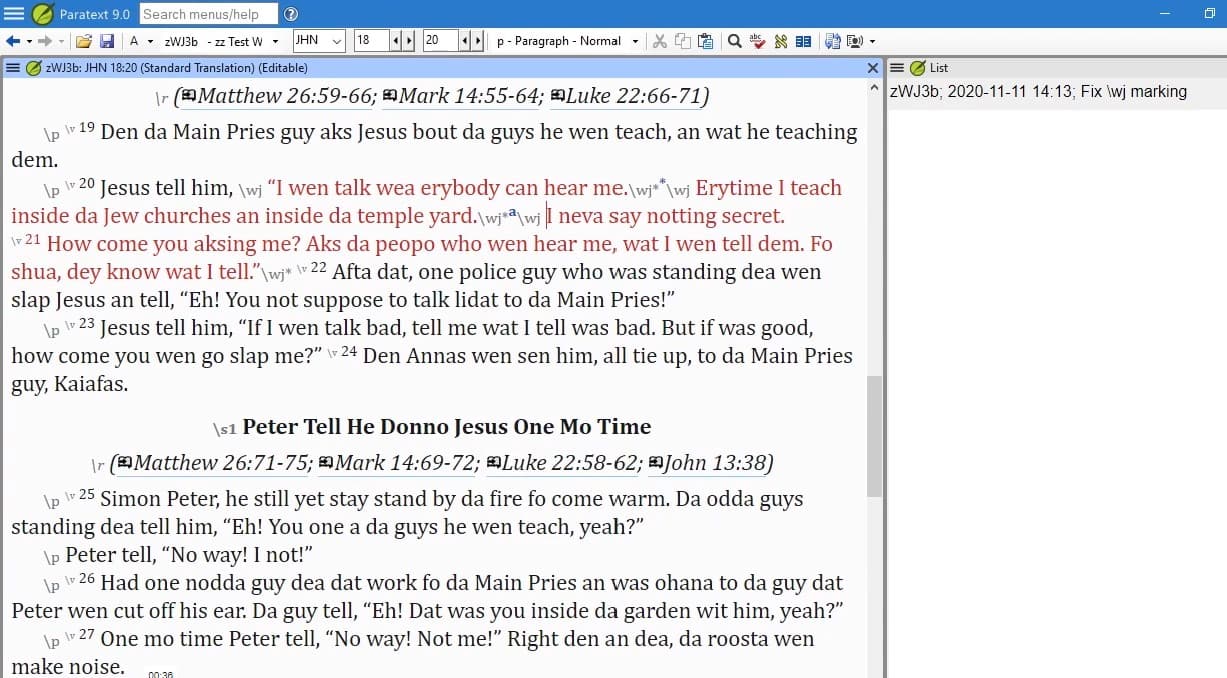
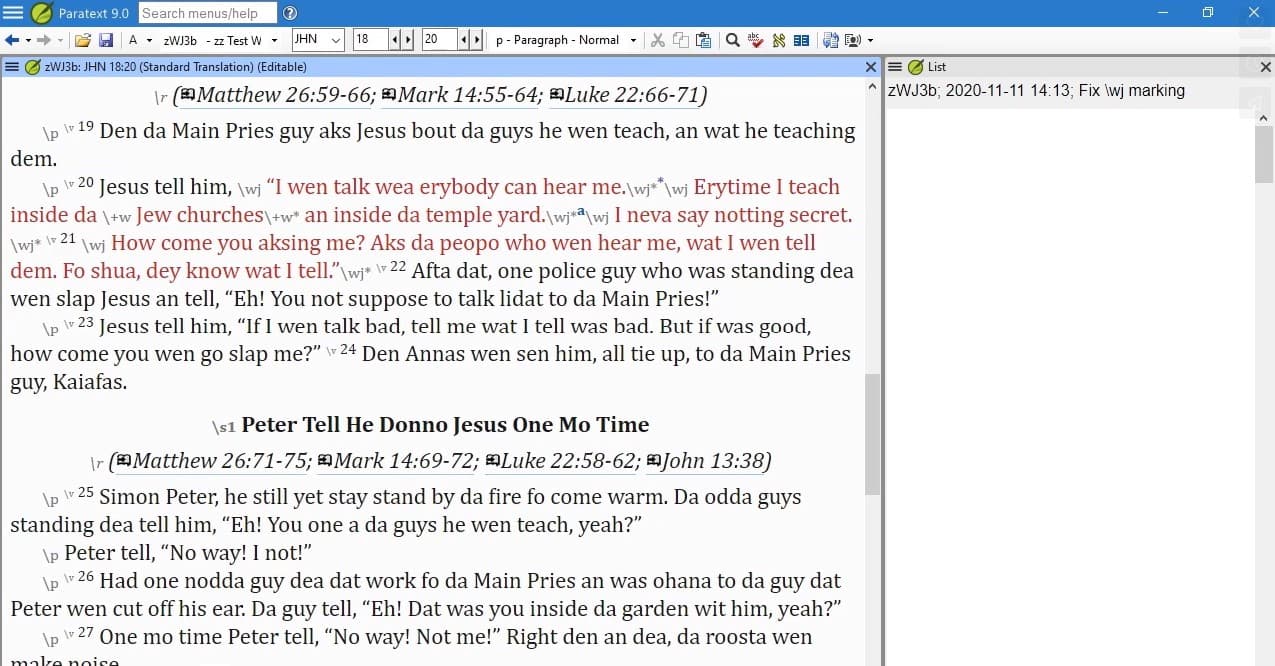
- Updates the scripture text with \wj …\wj* tags, based on a glyssenscript file that the user provides.
- Updates the scripture text with \wj …\wj* tags, based on milestones already in the text.
- Removes all \wj marking, including un-nesting markers that had been nested within the \wj tags.
- Note: If you ever want to remove all USFM3 quote milestones, you can use RegExPal. See the help file for details.
- Wherever there’s a pair of \wj …\wj* markers, this fills in any required marker changes. For example, it closes and reopens \wj marking around verse numbers, section headings, chapter breaks, etc.; adds a plus sign (+) to nested style markers; etc
Screens